
Moving to a new home involves careful planning, especially when it comes to transporting valuable electronics. From televisions and laptops to gaming consoles and smart home devices, modern households depend on electronic equipment every day. These items are often expensive, delicate, and vulnerable to damage if they are not packed correctly.
Learning how to pack electronics for a safe house move can save you money, prevent unnecessary stress, and ensure your devices are ready to use as soon as you settle into your new home. Whether you're moving locally or long distance, following the right packing techniques will help protect your investment throughout the journey.
Back Up Your Important Data
Before packing any electronic device, create a backup of your important files. Although careful packing reduces the risk of damage, accidents can happen during transportation.
Back up data from:
Desktop computers
Laptops
External hard drives
Tablets
Smartphones
Network storage devices
Use cloud storage, an external drive, or both to ensure your photos, documents, and work files remain safe regardless of what happens during the move.
Take Photos of Cable Connections
Many entertainment systems and home office setups include numerous cables connected to different devices. Before unplugging everything, take clear photos of the connections.
Photographs make reassembly much easier when you arrive at your new home. You can also label each cable with masking tape or cable tags to identify where it belongs.
Simple labels like "TV HDMI 1," "Monitor Power," or "Router Cable" can save hours of confusion later.
Use the Original Packaging Whenever Possible
Original manufacturer boxes are specifically designed to protect electronic equipment during transport.
If you still have the original packaging for your:
Television
Computer monitor
Printer
Gaming console
Speakers
Kitchen appliances
use these boxes whenever possible. They include custom-shaped inserts that help absorb shocks and keep devices securely in place.
If original packaging isn't available, choose sturdy double-walled moving boxes that closely match the size of each item.
Wrap Each Device Carefully
Proper cushioning is essential for protecting electronics from impacts during loading, transport, and unloading.
Use quality packing materials such as:
Bubble wrap
Packing paper
Foam sheets
Anti-static bubble wrap for sensitive equipment
Soft moving blankets
Avoid wrapping delicate screens directly with newspaper, as ink can transfer onto the surface.
Secure the protective layers with packing tape, ensuring tape never touches the device itself.
Pack Cables and Accessories Separately
Loose cables can become tangled or misplaced during a move.
Store accessories in labelled resealable bags, including:
Charging cables
Power adapters
HDMI cables
Remote controls
Batteries
USB cables
Mounting hardware
Whenever possible, place these labelled bags inside the same moving box as the corresponding device.
Remove Batteries When Appropriate
Certain electronics contain removable batteries that can leak or become damaged during transport.
Remove batteries from:
Remote controls
Wireless keyboards
Computer mice
Flashlights
Small electronic accessories
Store batteries safely in protective containers and keep rechargeable batteries away from excessive heat during the move.
Protect Television Screens
Flat-screen televisions are among the most delicate household electronics.
To reduce the risk of damage:
Clean the screen before packing.
Cover the display with a soft microfiber cloth.
Wrap the TV in foam or moving blankets.
Place corner protectors around each edge.
Stand the television upright during transport.
Never lay a flat-screen television face down inside the moving vehicle, as pressure can crack the display.
Secure Computers and Office Equipment
Home offices often contain expensive equipment that requires extra attention.
Before moving:
Shut down all devices properly.
Disconnect peripherals.
Remove printer cartridges if recommended by the manufacturer.
Lock moving parts on printers and scanners.
Wrap monitors separately.
Protect keyboards with plastic covers.
If transporting desktop computers, secure any loose internal components if they are easily removable.
Avoid Overpacking Boxes
Heavy boxes increase the risk of dropping valuable equipment.
Instead of placing several large electronics in one box, distribute the weight evenly across multiple containers.
Fill empty spaces with packing paper or foam to prevent items from shifting while the vehicle is moving.
Boxes should feel secure without being difficult to lift.
Keep Electronics Away from Moisture
Rain, humidity, and condensation can damage sensitive electronic components.
Use waterproof plastic covers or heavy-duty moving bags to provide an additional layer of protection, particularly if you're moving during wet weather.
If electronics have been exposed to cold temperatures, allow them to reach room temperature before plugging them in to prevent condensation-related damage.
Label Every Box Clearly
Proper labelling helps movers identify boxes containing fragile electronics.
Write clear instructions such as:
Fragile
This Side Up
Handle With Care
Electronics
Visible labels encourage careful handling throughout the moving process.
Transport Valuable Electronics Personally
Whenever possible, transport smaller high-value electronics in your own vehicle.
Items worth keeping with you include:
Laptops
Cameras
Tablets
Smartphones
External hard drives
Important computer backups
Keeping these items nearby reduces the risk of accidental damage or loss during the move.
Work with Experienced Moving Professionals
Even perfectly packed electronics can be damaged if they are handled carelessly during loading and transportation. Choosing experienced movers makes a significant difference in protecting your belongings.
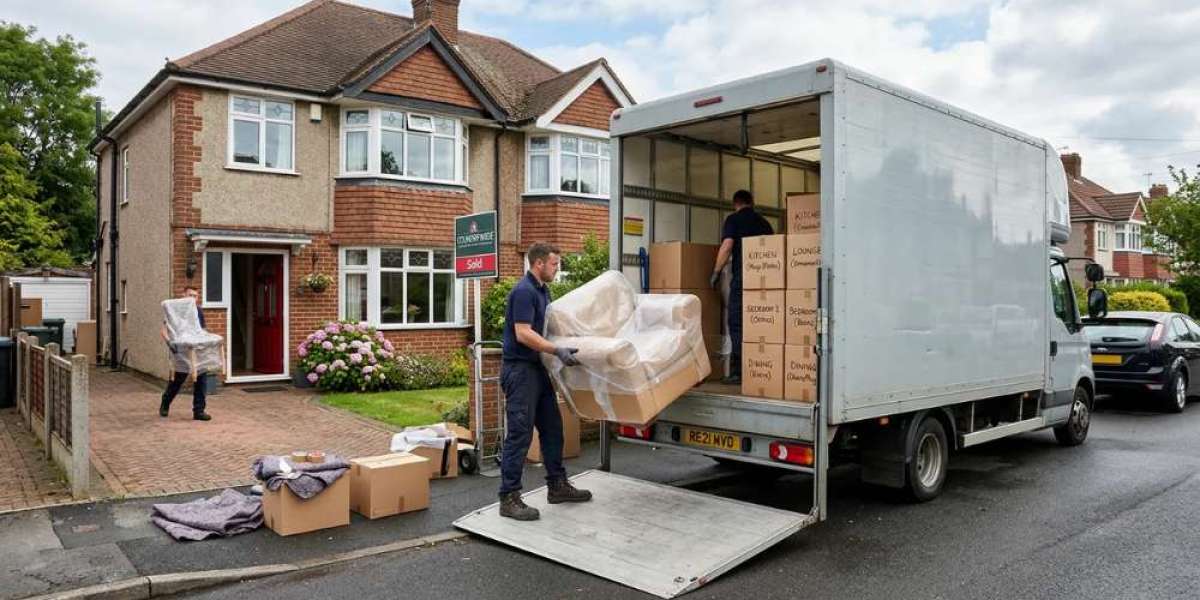
A trusted removal company peterborough understands how to safely load fragile items, secure them inside the moving vehicle, and minimise movement during transit. Professional movers also use protective blankets, straps, and specialised equipment to reduce the risk of impacts while transporting valuable household electronics.
Working with an experienced removal team provides peace of mind, particularly when moving expensive televisions, gaming systems, desktop computers, and home office equipment.
Unpack Electronics Carefully
Once you've arrived at your new home, avoid rushing to unpack everything at once.
Inspect each box for signs of damage before opening it. Carefully remove protective wrapping and check every device for visible issues.
Reconnect cables using the photos you took before the move, and test each electronic device individually before fully setting up your home entertainment or office space.
Taking your time during unpacking helps identify any problems early and ensures your equipment is functioning correctly.
Final Thoughts
Packing electronics properly is one of the most important parts of a successful house move. Careful preparation, high-quality packing materials, and organised labelling all help reduce the risk of costly damage.
By backing up important data, protecting delicate screens, securing cables, and transporting valuable devices with care, you can make your move far less stressful. Pairing these packing techniques with experienced moving professionals ensures your electronics arrive safely and are ready to use in your new home.
Whether you're relocating across town or moving further afield, investing a little extra time in packing your electronics correctly will protect your valuable devices and give you confidence throughout your entire moving journey.